
Description
Moving a site to a new host or rolling back a failed update should be routine. In practice backups often stop halfway on large sites or on hosting with short time limits, and full-featured backup tools tend to come with a yearly subscription. LTT Site Porter makes a complete copy of your site and puts it back anywhere, step by step.
One package, two files
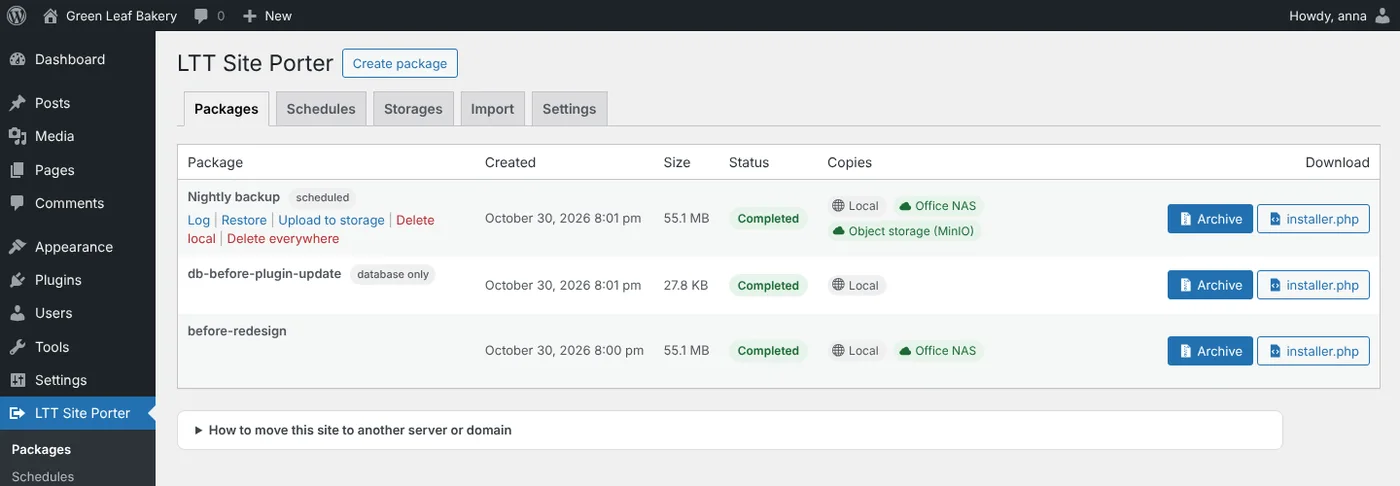
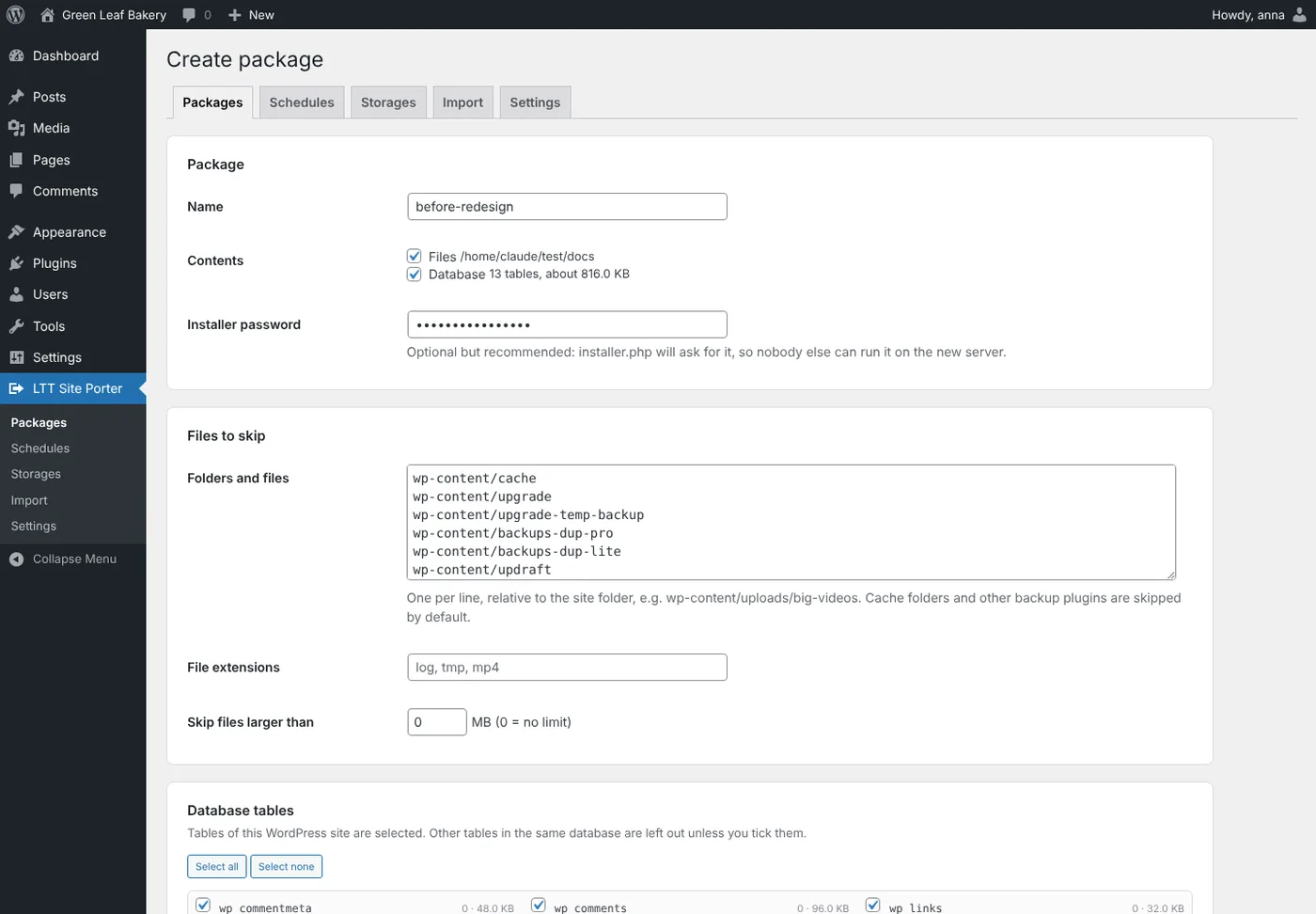
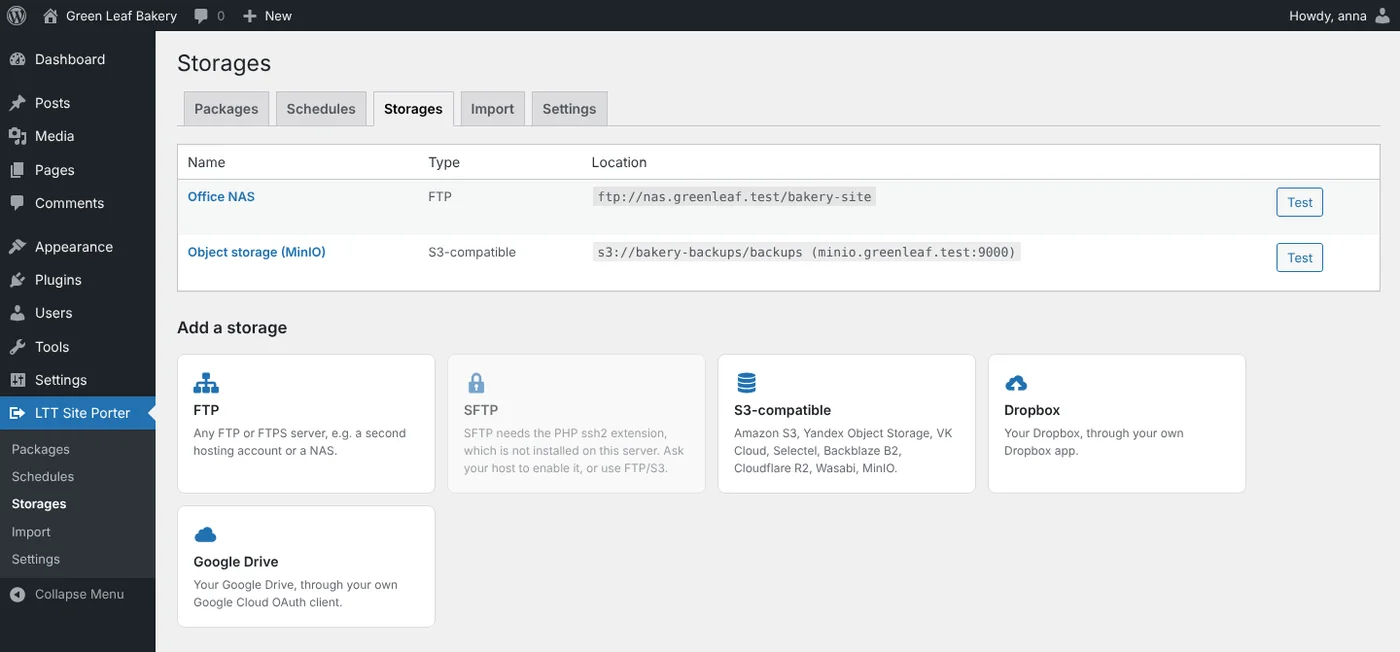
- A package is an archive with all files and the database, plus a standalone installer.php that does not need WordPress.
- Use it to restore the same site, move it to another server, domain or folder, or clone it to a staging copy.
- Every long job runs in short, resumable steps, so the size of the site and the hosting time limits do not matter. You can close the tab; the work continues in the background.
- The archive is written in 2 MB blocks, each checked on install, so a damaged upload is caught early.
A guided installer
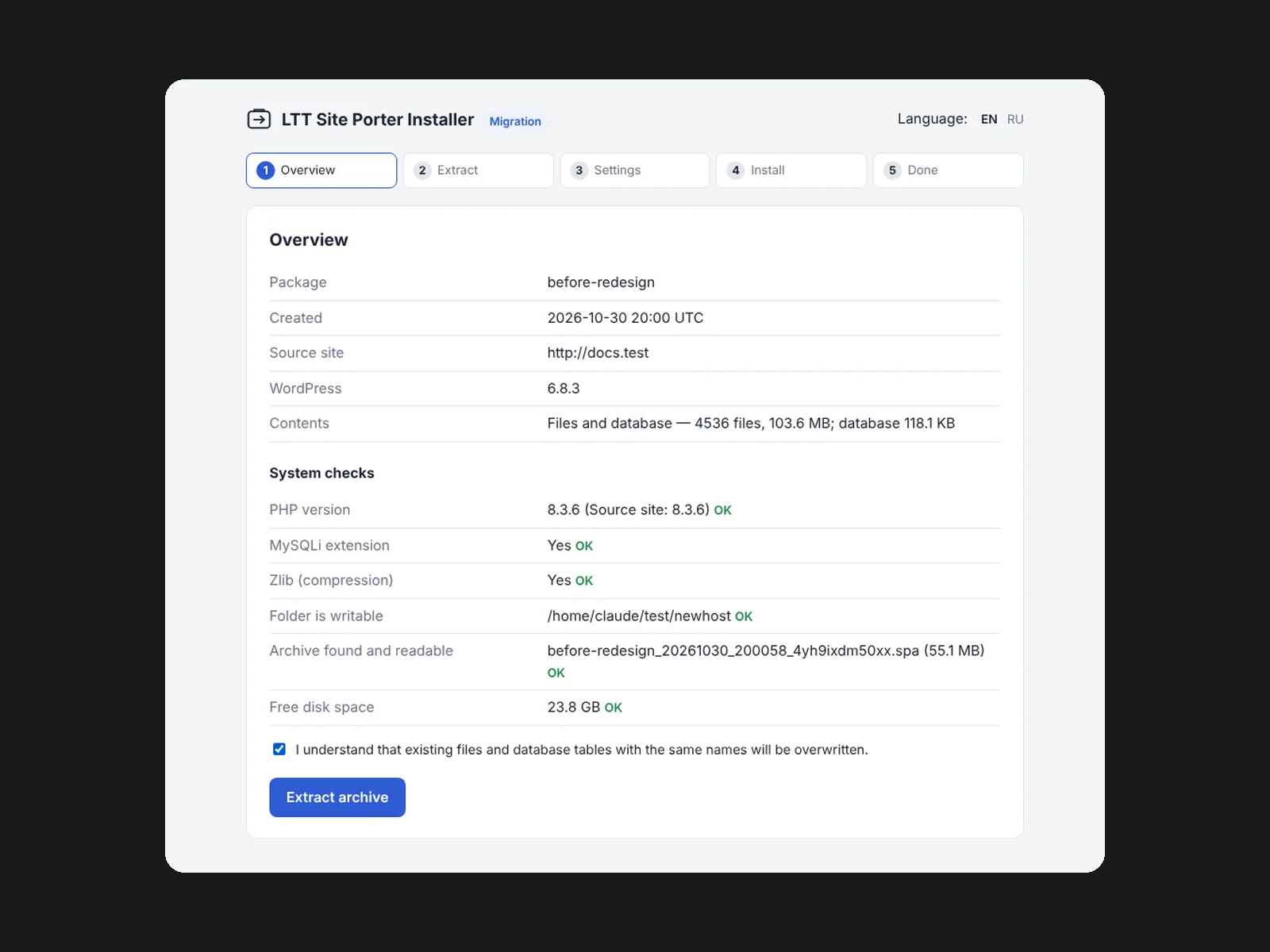
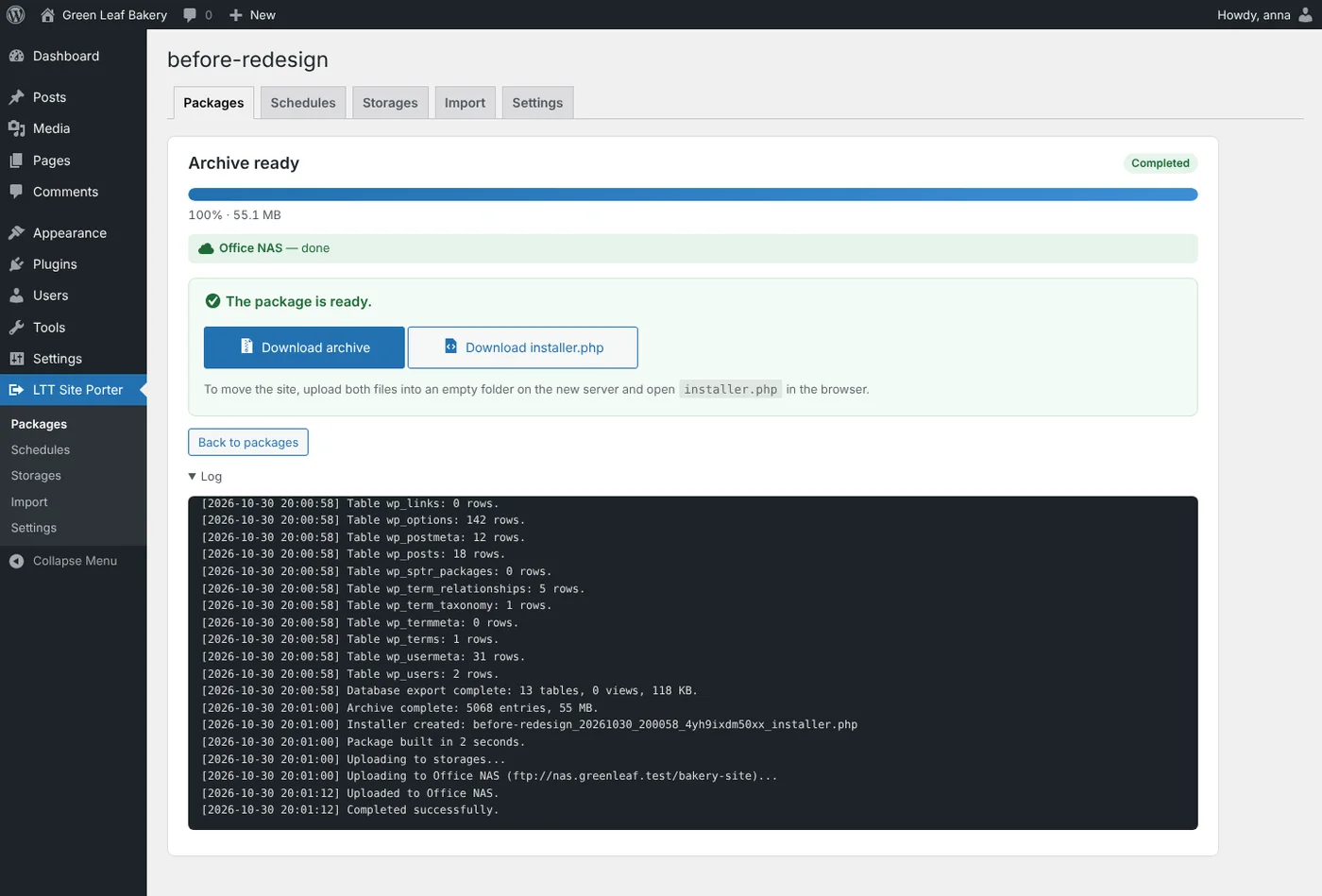
- Five clear steps: Overview, Extract, Settings, Install, Done. Protect it with a password.
- System checks before anything is overwritten: PHP version, extensions, free space, the archive itself.
- Addresses are replaced everywhere, including data saved by themes and page builders. You can change the table prefix and create or reset an administrator account.
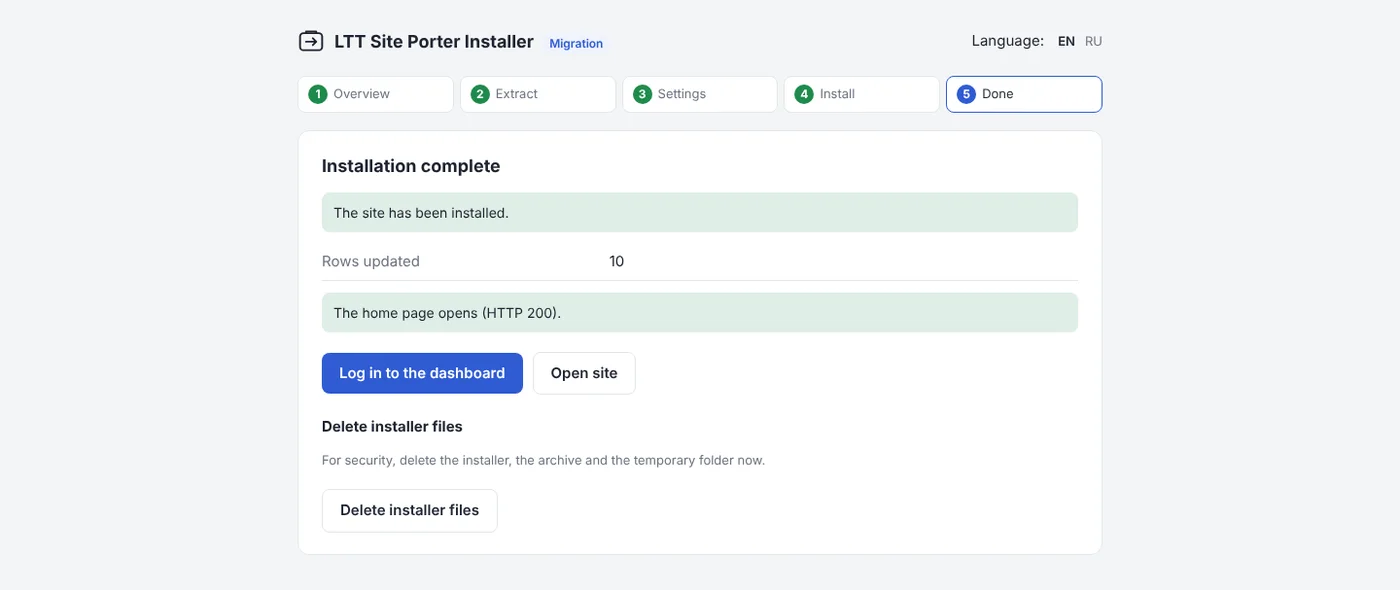
- At the end the installer opens the new home page and tells you whether it answers, then offers to delete its own files.
Backups that run themselves
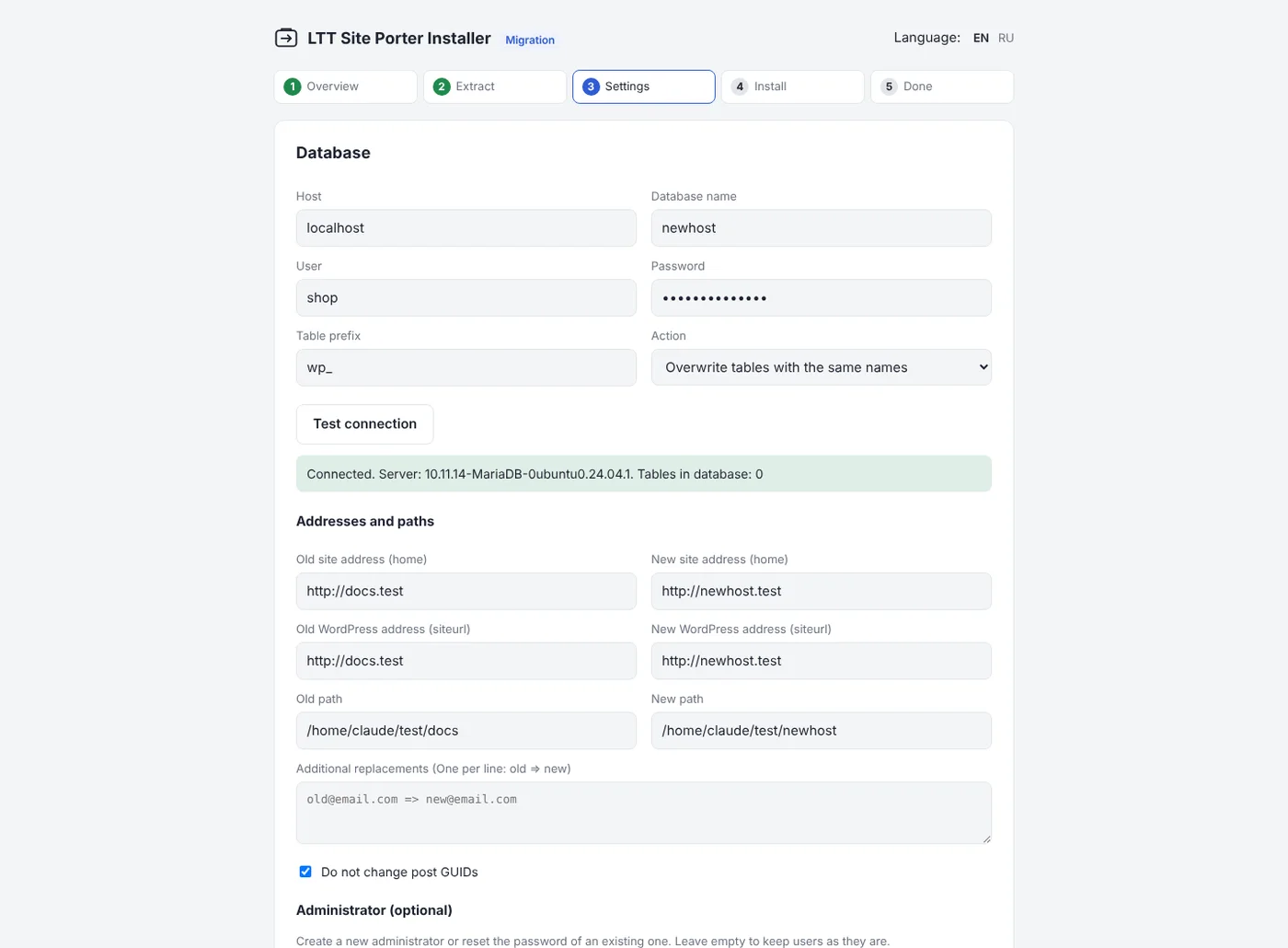
- Schedules: every hour, day, week or month. Keep a set number of copies on the server and in each storage; older ones are removed.
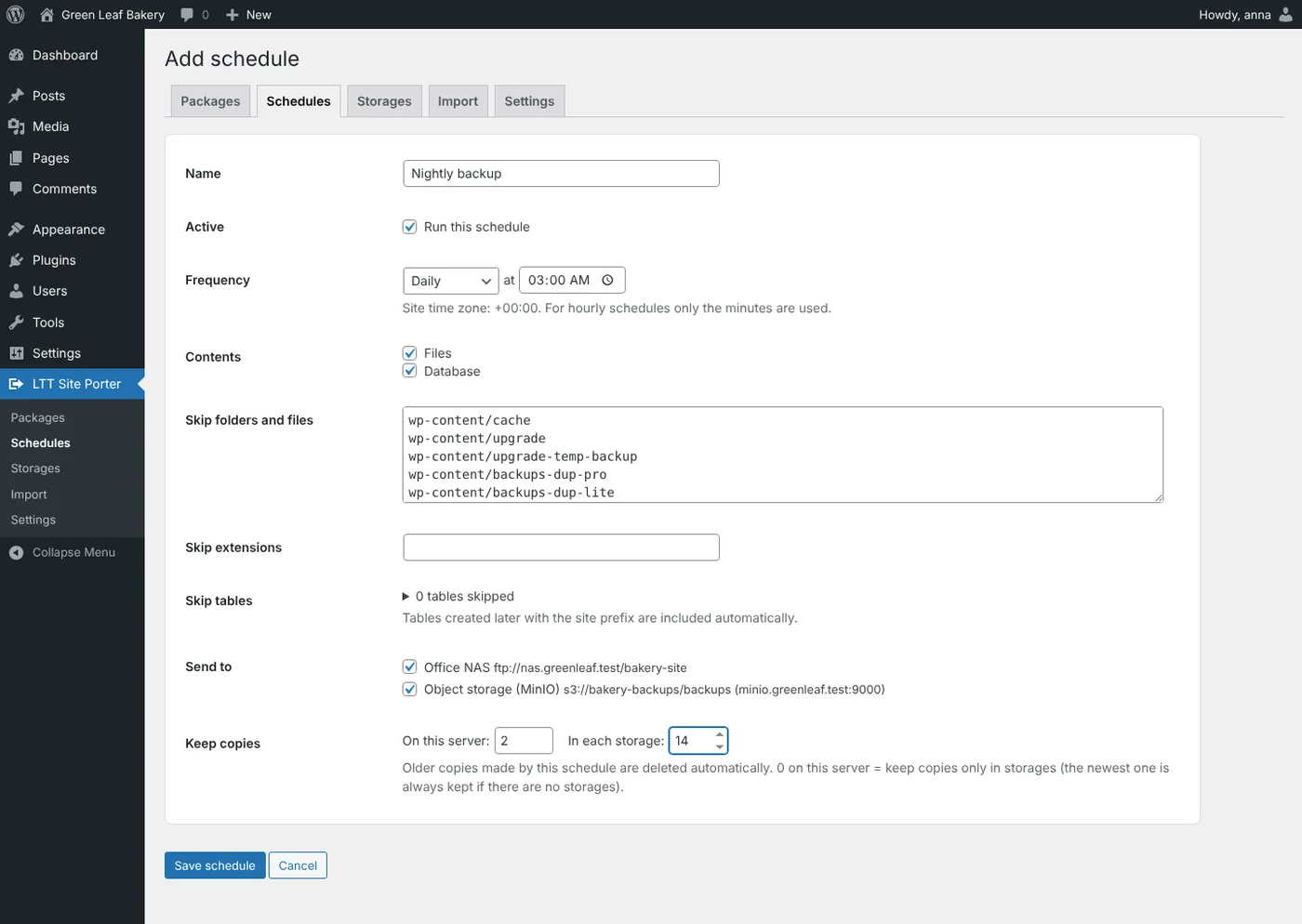
- Storages: FTP and FTPS, SFTP, S3-compatible object storage (Amazon S3, Backblaze B2, Cloudflare R2, Wasabi, MinIO and others), Dropbox and Google Drive. Data goes straight from your server to your storage.
- Email when a backup fails, or after every backup.
- Schedules pause automatically on a migrated copy, so a staging site never writes into the live site’s storage.
More ways in
- Import an archive from another site through the dashboard. It uploads in small pieces, so the server upload limit does not matter. Very large archives can go up by FTP.
- Installs backups made by Duplicator and Duplicator Pro (
.zipand.daf), without that plugin. - Multisite: back up the whole network, or export one site as a regular WordPress site.
Requirements
- WordPress 5.6 or newer, PHP 7.4 or newer (the installer runs on PHP 7.0 or newer).
- PHP extensions zlib and mysqli. Optional: ftp, ssh2 for SFTP, zip for Duplicator
.ziparchives. - MySQL or MariaDB. Administrator access.
- On low-traffic sites, a server cron job every 5 minutes keeps schedules on time.
What it does not do
- Encrypted Duplicator Pro 4 archives are not supported.
- A single site exported from a network cannot be imported back into a network.
- Symlinked folders are not followed.
- A restore overwrites files and tables from the backup but does not delete files added after the backup was made.
What you buy
Pay once, use forever. You get LTT Site Porter 1.3.1, the current version, to use on your own sites. New versions are released as separate purchases.
Full setup guide, settings and answers to common questions: LTT Site Porter documentation.
Reviews
There are no reviews yet.